Automated Stock Analysis Reports with Technical & News Sentiment
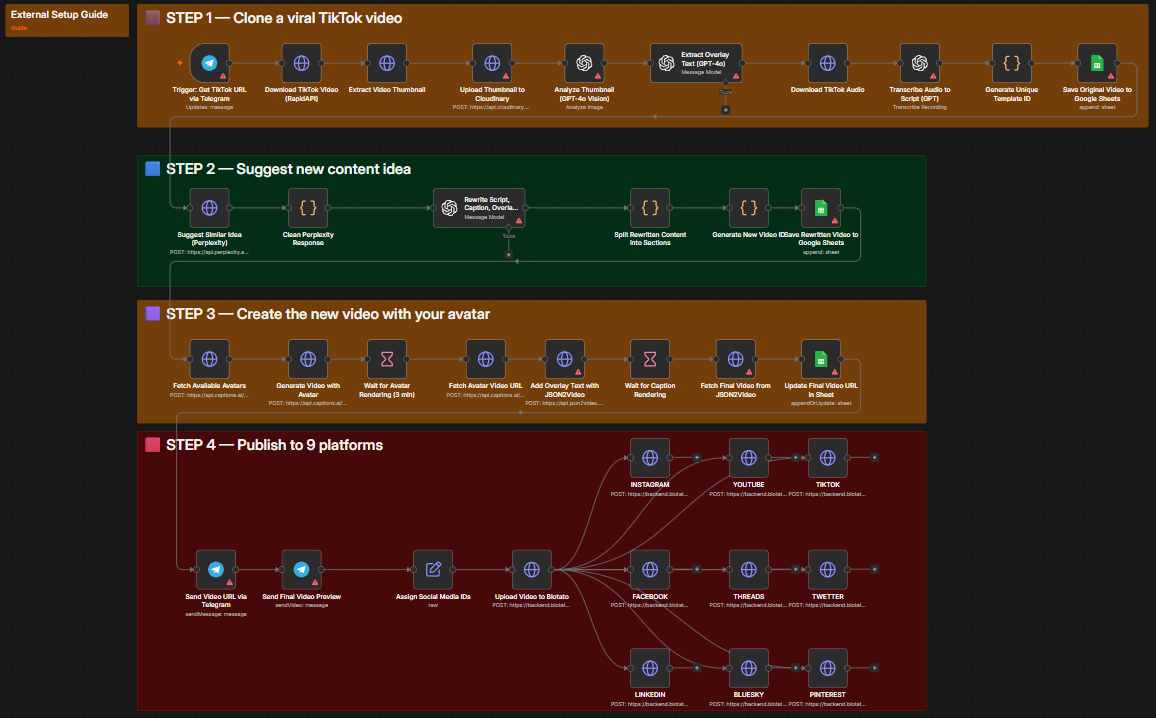
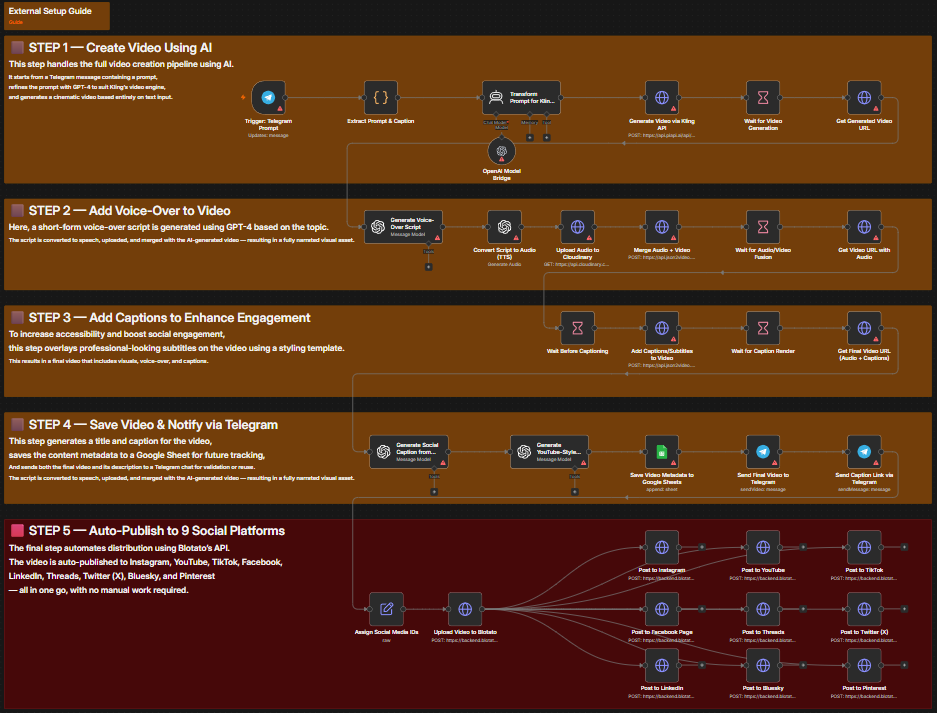
An n8n workflow that delivers on-demand automated stock analysis reports. Triggered by a webhook with a stock ticker, it combines technical indicator analysis with real-time news sentiment scoring using GPT-4o, then renders a polished interactive HTML report and returns it via webhook response.
Free download · enter your email · 12 months of updates
How it works
5 steps, fully automated
Every step is a discrete n8n node — observable, retryable, and replaceable without touching the rest of the workflow.
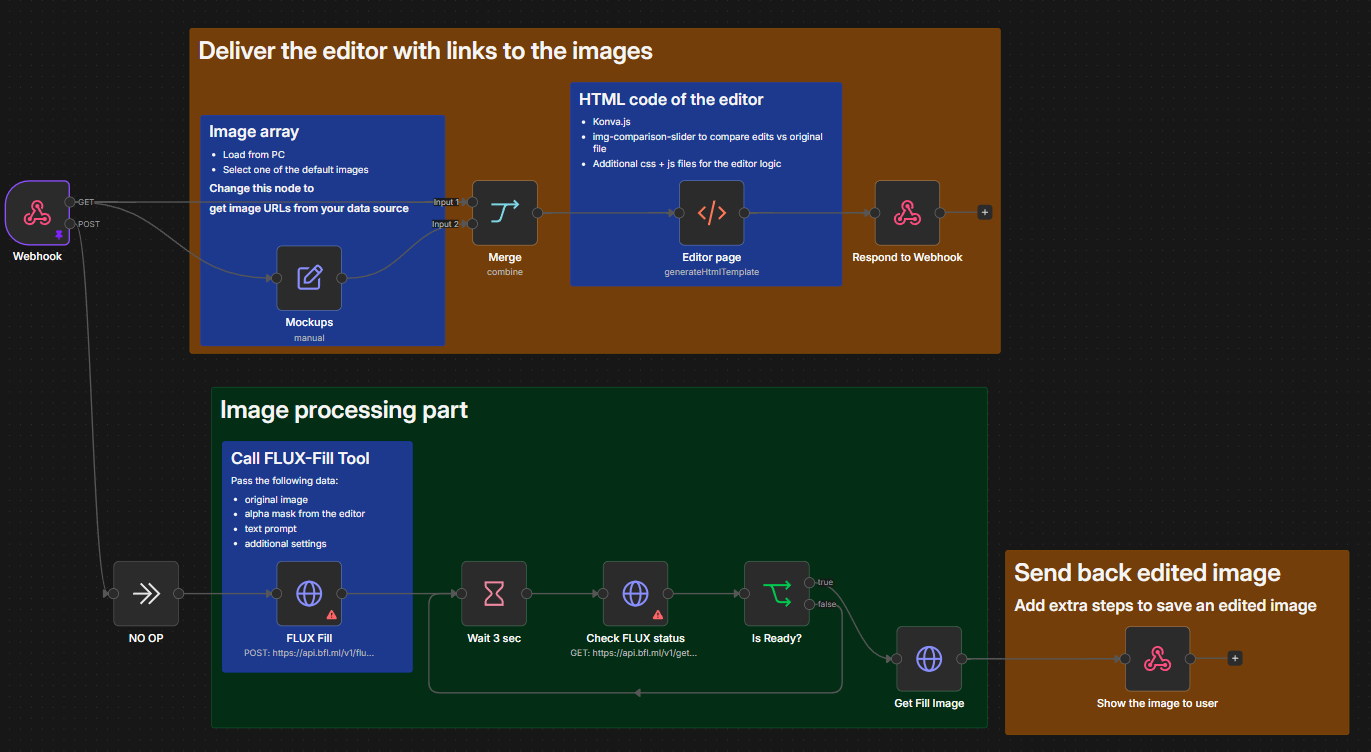
Webhook Trigger & Editor Delivery
A POST or GET webhook receives the stock ticker symbol (e.g., AAPL, TSLA, NVDA). An interactive HTML analysis editor is immediately served as the initial response — giving the user a live interface while the deep analysis runs in the background.
Webhook trigger · dual-method (GET + POST) · HTML editor served instantlyTechnical Indicator Computation
Historical OHLCV price data is fetched from connected market data sources. Key technical indicators are computed: RSI, MACD, Bollinger Bands, 20/50/200-day moving averages, and volume trends. All results are structured for AI synthesis.
Price data fetch · RSI, MACD, Bollinger Bands · SMA/EMA computationNews Sentiment Scoring
Recent news articles, press releases, and analyst commentary for the ticker are aggregated from multiple sources. GPT-4o scores each source for positive, negative, or neutral sentiment and generates a composite sentiment score with key driver reasoning.
News aggregation · GPT-4o sentiment scoring · composite score + key driversGPT-4o Report Synthesis
Technical indicator data and sentiment scores are merged and fed to GPT-4o. The model synthesizes a structured analysis covering trend direction, key support/resistance levels, risk factors, sentiment summary, and a short executive overview — formatted as structured HTML.
GPT-4o synthesis · trend analysis · support/resistance · executive summaryHTML Report Delivery
The complete analysis report is rendered as a polished HTML document and returned via the webhook response. Reports include color-coded indicators and structured sections. Optional: add Slack or email notification nodes to auto-distribute reports to your team.
HTML report via webhook · shareable link · optional Slack/email distributionRequirements
What you need to run it
Every integration below is required to run the full workflow. Most offer free tiers sufficient for testing.
n8n Webhook
Dual-method webhook trigger (GET + POST) that accepts ticker requests and manages bidirectional HTML report delivery.
Get started at n8n.ioOpenAI GPT-4o
Powers two AI tasks: real-time news sentiment scoring and the final technical + fundamental synthesis into a structured analysis report.
Get started at openai.comStock Data API
Fetches historical OHLCV price data, real-time quotes, and fundamental metrics for the requested ticker. Configurable to Polygon.io, Alpha Vantage, or similar.
Get started at polygon.ioNews Aggregation API
Aggregates recent financial news, press releases, and analyst reports for the ticker to feed the GPT-4o sentiment analysis stage.
Get started at newsapi.orgUse cases
Who this workflow is for
The workflow adapts to any team or stack. Below are the most common deployments.
Investment research teams automating first-pass ticker analysis
Financial advisors generating client-ready briefing documents
Retail traders building personal pre-trade analysis pipelines
FinTech products embedding AI-powered stock summaries
Quantitative analysts combining qualitative sentiment with technical signals
Setup
5 steps to go live
From zero to running automation. A self-hosted or cloud n8n instance is the only infrastructure you need.
Import the workflow into n8n
Download the JSON from Twarx. Import it into your n8n instance via Workflows → Import from file. The complete pipeline imports with all nodes and connections ready.
Configure API credentials
Add your OpenAI API key (GPT-4o), stock data provider credentials (Polygon.io, Alpha Vantage, or similar), and news aggregation API key (NewsAPI or similar). All credentials are added in n8n's credential manager.
Set your data sources
Update the HTTP Request nodes to point to your chosen stock data provider. The workflow uses standard OHLCV REST endpoints and adapts to any provider returning price and volume data in JSON format.
Test with a webhook call
Copy the webhook URL from n8n and send a POST request with your target ticker (e.g., {"ticker": "AAPL"}). The workflow immediately returns an HTML editor and queues the analysis. The report populates as analysis stages complete.
Add optional notifications
Add Slack or email notification nodes after the GPT-4o synthesis step to auto-distribute the HTML report to your team. The report is also embeddable in dashboards or internal tools via iframe.
Get started
Ready to automate?
Download the workflow JSON for free and import it into n8n. Need implementation help? Contact the Twarx team for a free consultation.